Start Virtual Machine

Control cloud compute resources through simple natural-language prompts. Whether starting or stopping a virtual machine, the action is executed instantly through the intelligent virtual assistant—no console access, scripts, or portal navigation required.
Related Demos

thumbnail
1:23
Stop Virtual Machine
Control cloud compute resources through simple natural-language prompts. Whether starting or stopping a virtual machine, the action is executed instantly through the intelligent virtual assistant—no console access, scripts, or portal navigation required.
thumbnail
1:41
VM Resize in Azure
Resize virtual machines in Azure directly from the DigitalXC platform without accessing cloud consoles or backend systems, enabling faster and controlled infrastructure scaling.
thumbnail
2:32
EKS Cluster Creation
Amazon EKS clusters can be provisioned directly from ServiceNow, using built-in ITSM integration to automate deployment with production-ready settings — no console steps or scripting required.
thumbnail
1:39
EKS Pod Deployment
Integrated with Microsoft Teams, users can deploy applications directly from where they work. The request is submitted through the catalog in Teams and automatically deployed to the Kubernetes cluster—no context switching.
thumbnail
1:36
AKS Cluster Creation
Automates the creation of Azure Kubernetes Service (AKS) clusters along with node configurations, enabling faster, consistent, and error-free environment setup—without accessing the Azure portal.
thumbnail
1:22
AKS Pod Deployment
Deploy containerized applications to an existing AKS cluster directly through the DigitalXC platform, using Kubernetes in the backend—without accessing the Azure portal or writing deployment scripts.
thumbnail
1:50
Server Health Check through MS Teams
Seamlessly integrated with Microsoft Teams, the platform enables users to access service catalogs directly where they work. In this use case, a server health check is triggered from Teams to identify unauthorized applications, and the results are instantly emailed to the user through automation.
thumbnail
2:50
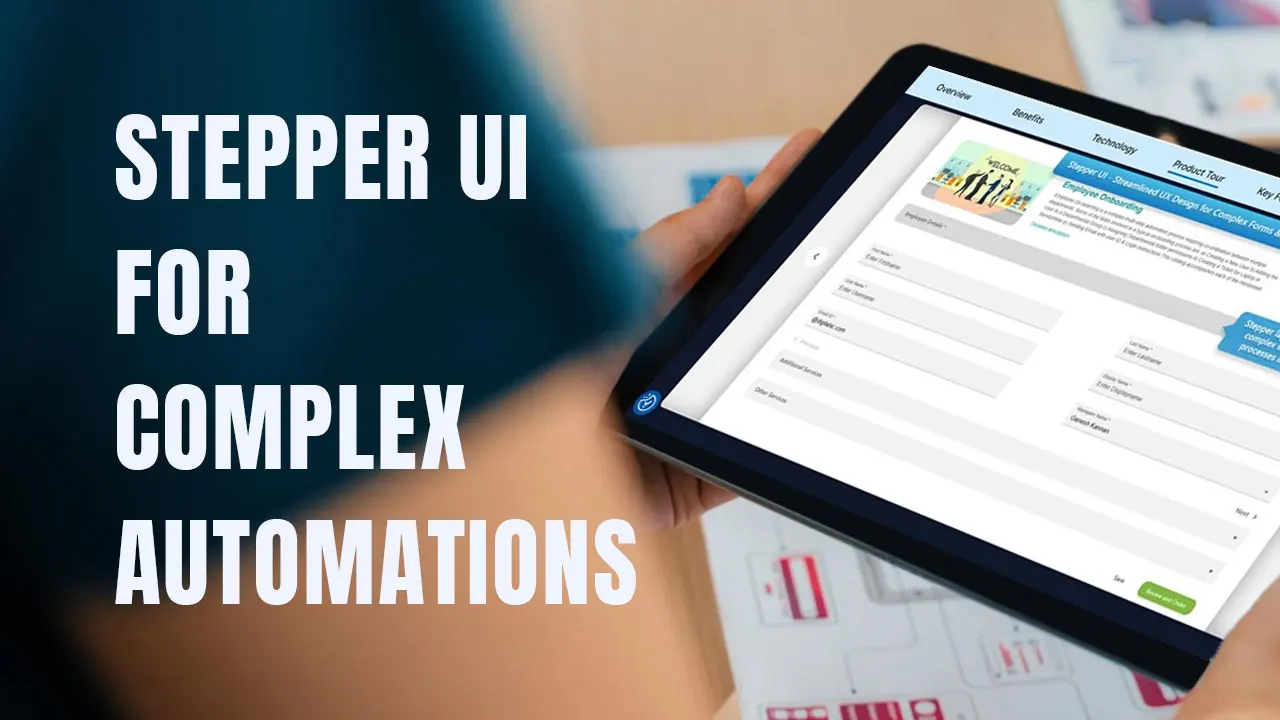
Stepper UI for Complex Automations
Stepper layouts simplify even the most complex workflows by breaking them into clear, guided steps. This structured approach turns intricate processes into intuitive experiences, improving both accuracy and efficiency.
thumbnail
2:02
Delete Temp Files for Disk Cleanup
Auto-deletes unwanted and temporary files to free up disk space, restore normal capacity, and maintain smooth system performance — all without requiring manual effort.
thumbnail
1:39
Automated Application Restart
Automatically restarts a stopped service by picking up the incident raised in ITSM without any human intervention.
thumbnail
2:14
Restart Web Service
Self-healing automation can now be seamlessly enabled through DigitalXC. The platform automatically picks up the incident raised in ITSM, restores the service by performing autonomous resolution, and auto-resolves the ticket—delivering a fully closed-loop self-healing experience.